

VLC Media Player 64-bit 3.0.21
VLC Media Player 64-bit is that one free, open-source media player that just works, no codec packs, no ads, no drama. It plays almost every video and audio format you throw at it, from MKV and FLAC to old DVDs, and it’s lightweight enough to run on basically anything. You can also convert files, record your screen or webcam, take snapshots, and now even use a dark mode, all without dealing with bloatware or tracking. It’s not the prettiest app out there, but after years of reliable playback and regular security fixes, it’s still the easiest “just install it and forget it” choice for watching anything on Windows.
- Free
- Windows
- macOS
- Linux
- Android
- iOS
- Oct 8, 2026
Screenshots
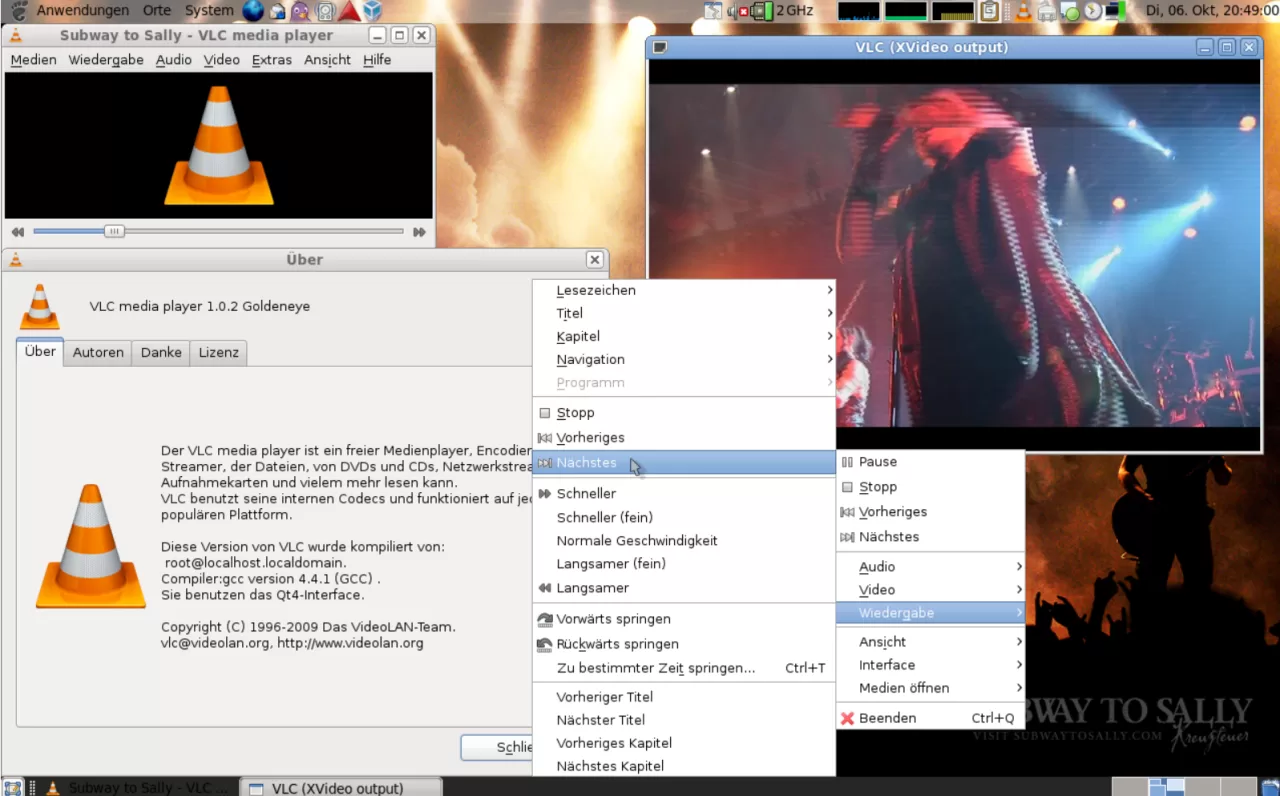
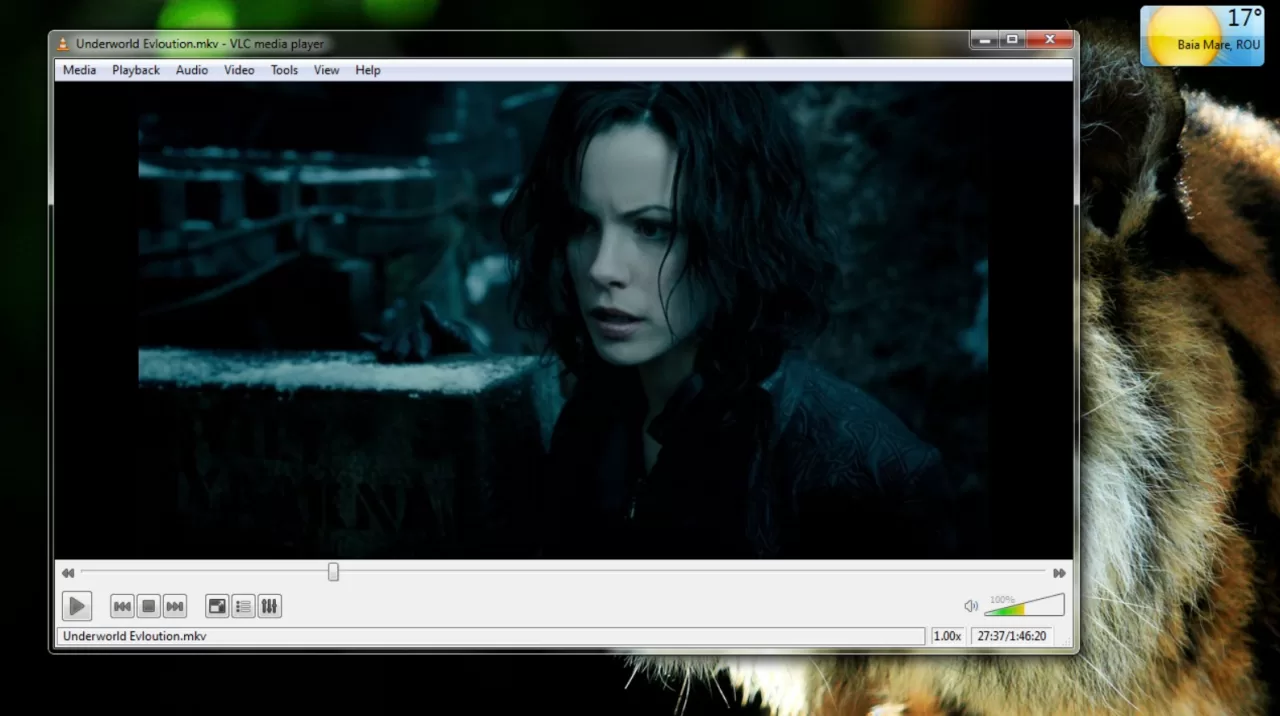
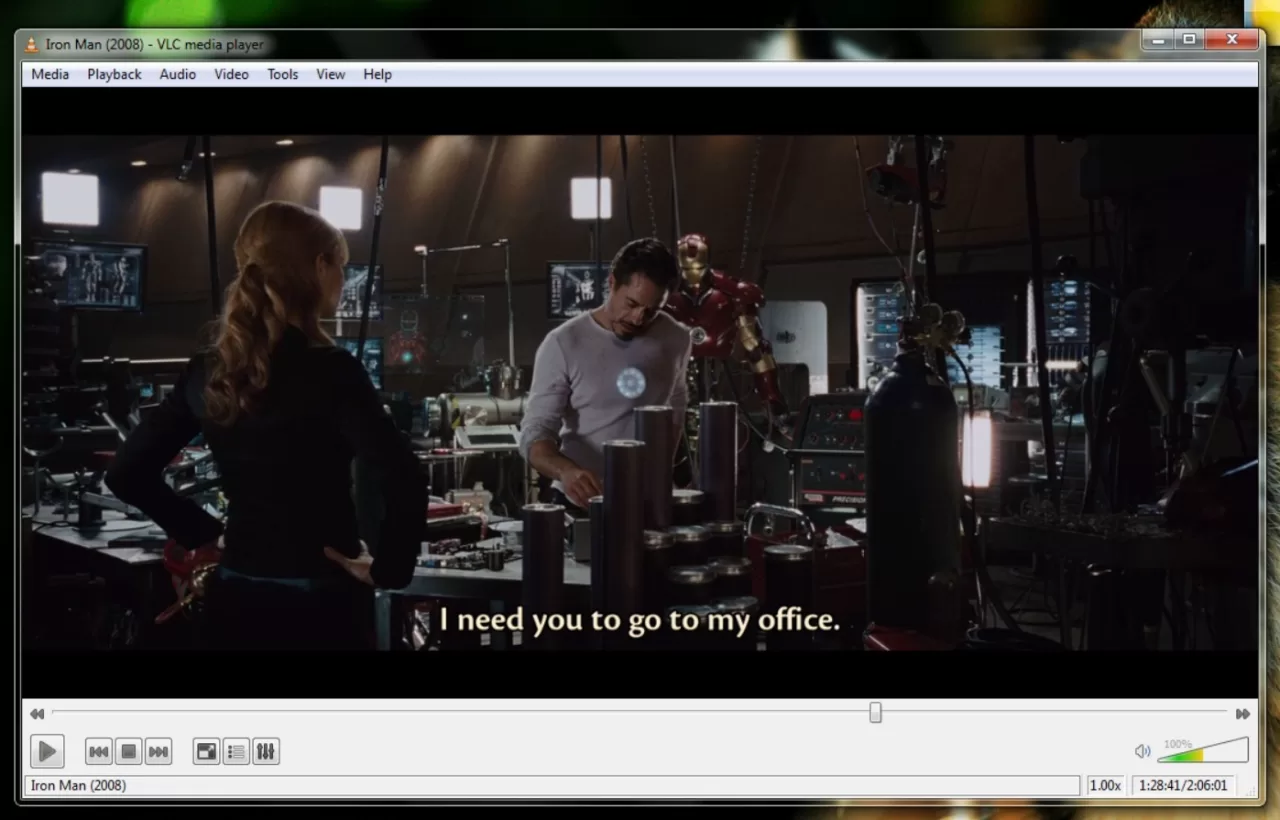
About VLC Media Player 64-bit
I've probably installed VLC on every computer I've owned since like... I don't even know. Early 2010s? Anyway, the point is, it just plays stuff. You open a weird file, VLC doesn't blink. MKV, FLAC, some ancient DVD you found in a drawer, doesn't matter. You double-click it and it works. No error, no missing codec nonsense. It's the kind of program that quietly gets the job done for years without ever being flashy, which honestly makes it pretty great.
It's not pretty. Never was. But it's solid. Lightweight. Doesn't scream for updates every two days. And the fact that it's free, open-source, and doesn't shove ads in your face? Kinda rare these days. It's made by VideoLAN, a non-profit, no weird tracking, no bundled junk, no company trying to sell your data. Just a bunch of nerds who want videos to play properly.
Now, the latest version (3.0.24, codename "Vetinari") is actually a big deal, mostly on the security side. Over 130 security fixes across VLC and its libraries. They upgraded FFmpeg from 4.4 all the way to 8.1.2, updated 49 third-party libraries, and added decoding for ATRAC3 and ATRAC9 audio (the stuff Sony used on MiniDiscs and PSPs, if you're into retro gaming). Also fixed the slow Windows startup issue when Daylight Saving Time changes, which was a weird but genuinely annoying bug. And if you're on a new ARM-based Windows laptop (Snapdragon X, etc.), VLC now runs natively, no emulation, no performance hit. Dark mode is also finally here, which took them long enough. Go to Tools > Preferences > Interface and check "Use a dark palette". It's not auto-switching with Windows yet, but hey, baby steps.
Bonus stuff: you can convert files too. Not super intuitive, but you'll find it under Media > Convert/Save (or Ctrl+R). It's actually pretty powerful, bulk conversion, custom codec settings, the whole thing. Oh, and it records screen and webcam, which I didn't know until like a year ago. For webcam it's Media > Open Capture Device, set to DirectShow, pick your camera, hit record. For desktop it's Ctrl+C and then convert. Kinda hidden, honestly. Also, right-click while watching and hit "Take Snapshot" (or Shift+S) to freeze a frame, useful if you're one of those people who collects cool movie stills or whatever. Press E to go frame-by-frame if you need precision.
Security Stuff
VLC is made by VideoLAN, non-profit, no weird tracking, no bundled junk. But look, it won't protect you from shady files. If you open some cursed .exe disguised as an MP4, that's on you. VLC won't play corrupted stuff, though. So in a way, it's like a quiet little bouncer for your videos. That said, the December 2025 security update (3.0.22) fixed a bunch of memory-safety vulnerabilities that could have been exploited through malicious media files. Version 3.0.23 and now 3.0.24 closed even more holes, including a memory disclosure issue reachable from attacker-controlled network sources. So yeah, update. Seriously. The auto-updater can be flaky sometimes, so just grab the installer from the official site if it says you're "up to date" but you're not.
VLC vs PotPlayer (Quick Thought)
I tried PotPlayer once. It was... a lot. Super powerful, sure, 3D video playback, Nvidia VSR, local Whisper subtitles, all kinds of nerdy settings. But the interface? Like trying to pilot a spaceship with Windows 98 UI. VLC might not have all those toys, but it's cleaner. You just open, play, close. Simple. PotPlayer people will tell you it's "more modern," and they're not wrong, the customization is genuinely wild, you can recolor buttons, rearrange elements, assign new hotkeys for basically anything. But for most people? That's just too much. VLC does what you need without making you feel like you need a manual.
Bottom line? If you're someone who wants to watch stuff, without tweaking 42 settings, VLC wins. It's the kind of program that quietly gets the job done for years without ever being flashy. And honestly, in a world where every app wants your attention and your data, that's pretty damn refreshing.
What’s new in VLC Media Player 64-bit 3.0.21
VLC Media Player 3.0.21 "Vetinari" is the 22nd update to the 3.0 branch, released on June 10, 2024. It focuses on codec updates, improved subtitle rendering, new GPU-accelerated features, and an important security fix.
🎬 Decoders and Subtitles
Improved Opus ambisonic support.
Fixed several ASS subtitle rendering issues.
Corrected Opus behaviour within MP4 files.
Fixed VAAPI hardware decoding problems with some drivers.
📡 Input and Streaming
Added support for HTTP content range handling according to RFC 9110.
Fixed HLS Adaptive Streaming failing to work in audio-only mode.
🖥️ Video Output and Filters
AMD GPUs: Added Super Resolution scaling and a new VQ Enhancer filter.
NVIDIA: Added a D3D11 option to use TrueHDR, generating HDR from SDR sources.
HDR Control: The D3D11 HDR option can now turn HDR on/off for all sources, regardless of the display.
Subtitles: Improved rendering on Apple platforms, especially for Asian languages, by correcting font fallback lookups.
🔊 Audio Output
Fixed a regression on macOS that caused crashes when using audio devices with more than 9 channels.
⚙️ LibVLC and Other Changes
libVLC: The HWND passed to libvlc_media_player_set_hwnd must now have the WS_CLIPCHILDREN style set. Fixed crashes related to caopengllayer.
Third-party libraries: Updated FFmpeg to 4.4.4, dav1d to 1.4.2, and libvpx to 1.14.1.
Misc: Fixed various warnings, memory leaks, and potential crashes.
🔒 Security Fix
This release patches a denial-of-service vulnerability caused by a potential integer overflow (heap-based) that could be triggered by a maliciously crafted MMS stream. Successful exploitation could crash VLC or potentially allow arbitrary code execution with the user's privileges. The issue was reported by Andreas Fobian of Mantodea Security GmbH.
Versions
| Version | Release date | Platform | File size | |
|---|---|---|---|---|
| VLC Media Player 64-bit 3.0.21 Latest version | Oct 8, 2026 | Windows | 42.0 MB | Download |