
Google Chrome 155.0.8059.39
Google Chrome remains the world's most popular browser with over 73% desktop market share, offering record-breaking speed improvements (30% faster on Mac since 2024), the largest extension ecosystem, and deep Gemini AI integration for search, summarization, and in-browser chat. Chrome 150+ includes Enhanced Safe Browsing with on-device AI scam detection, Ask-Before-HTTP protection, and ongoing Rust-based memory safety improvements. However, it's RAM-hungry, Google's data collection is a privacy concern, and the AI features can be intrusive. Edge offers comparable performance with Copilot integration, Firefox provides better privacy controls, and Safari excels on Apple hardware, but Chrome's combination of speed, extensions, and cross-platform sync keeps it the default choice for most users.
- Free
- Windows
- macOS
- Linux
- Android
- iOS
- Oct 9, 2026
Screenshots
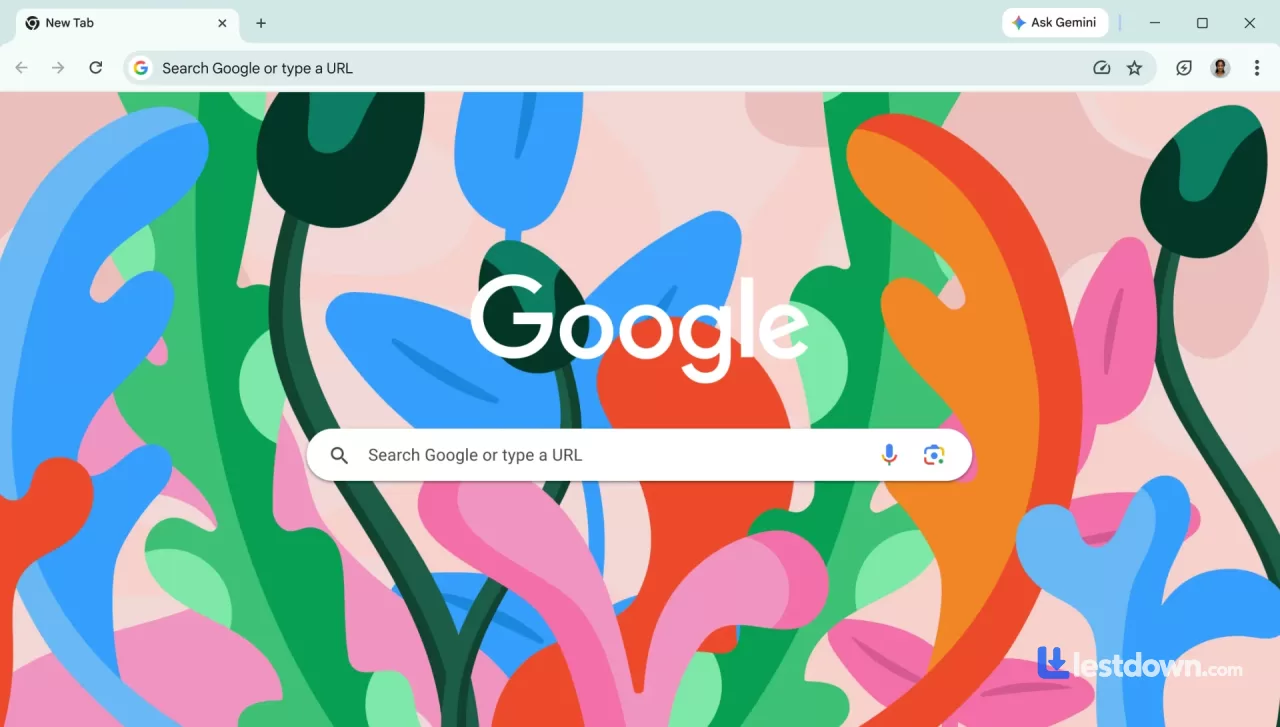
About Google Chrome
Okay, real talk. Chrome has been the default browser for basically everyone since like 2012. It's got over 70% of the desktop market share, which is insane when you think about it. But here's the thing, Chrome in 2026 is not the same lightweight, snappy browser you remember from a decade ago. It's gotten heavier, smarter, and way more AI-powered. Whether that's a good thing depends on who you ask.
The Speed Thing (It's Actually Impressive)
Let's start with the good news. Chrome is genuinely faster than it's ever been. Google posted benchmarks in June 2026 showing Chrome hitting a score of 61 on Speedometer 3.1 and 469 on JetStream 3. That's a 5% and 10% improvement over the previous year, respectively. And when you look at the two-year picture, Chrome on Mac is roughly 30% faster than it was in 2024.
How'd they do it? Mostly by optimizing JavaScript. They added "fast paths" that let the browser skip unnecessary execution steps, improved async and generator function handling, and optimized BigInt handling. There were also non-JavaScript wins in WebAssembly, rendering engine style computations, and text handling.
In practice? Pages load fast. Tabs stay responsive. The browser doesn't feel sluggish even with a bunch of extensions running. The RAM-hungry reputation is still kind of true, Chrome will eat your memory if you let it, but the speed is legit.
The AI Invasion (Gemini Everywhere)
This is the biggest change in Chrome over the last couple of years. Google has been shoving Gemini into every corner of the browser, and in 2026, it's basically unavoidable.
You've got AI Mode in the search bar, which gives you AI-generated answers instead of just links. There are AI Overviews that summarize search results before you even click anything. There's Ask Gemini, which lets you chat with an AI about whatever webpage you're currently on. You can ask it to summarize long articles, explain complex topics, or pull specific information out of a page.
And then there's the Prompt API, which lets you send natural language requests directly to Gemini Nano inside Chrome. That's for developers mostly, but it means extensions can tap into on-device AI without sending your data to a server.
Is all this useful? Honestly? Sometimes. Summarizing a long article is genuinely handy. But the AI makes mistakes. It hallucinates. It gets things wrong. If you're using it for anything important, you still need to verify the sources yourself. And if you're the type who just wants to browse the web without an AI assistant breathing down your neck, Chrome is going to annoy you.
Extensions: Still the Best Ecosystem
This hasn't changed. Chrome's Web Store is still the biggest and best extension marketplace out there. Ad blockers, password managers, screenshot tools, productivity apps, you name it, there's an extension for it. And in 2026, there's a whole new category: AI-powered extensions. Tools like Sider let you chat with multiple AI models at once, Gemini, Claude, ChatGPT, Grok, you name it, all from a sidebar. There are extensions that automate browser tasks using AI agents, and even extensions that help you build other extensions using AI coding assistants.
It's a lot. The extension ecosystem is both Chrome's greatest strength and its biggest security risk. More on that in a second.
Security: Better, But Not Perfect
Chrome's security has improved significantly. Enhanced Safe Browsing now uses on-device AI models to detect scams and phishing in real time, and Google added user controls for managing those models. Starting in Chrome 150, Enhanced Safe Browsing users got Ask-Before-HTTP enabled by default, which protects your network connections from tampering or eavesdropping.
There's also the Rust in Chrome project, which is gradually replacing memory-unsafe C++ code with Rust to eliminate entire classes of vulnerabilities. The Rust ChildProcessSecurityPolicy experiment expanded in 2026 to cover more security-relevant data structures.
But, and this is important, Chrome is still a massive target. There were multiple CVEs in 2026, including a Safe Browsing bypass in Chrome 153 and an inappropriate implementation issue in Chrome 149. The browser updates constantly, which is good, but it also means there's always something new to patch.
Chrome vs. Edge vs. Firefox: The 2026 Reality
Let's be honest about the competition.
Edge is Chrome's closest rival, and it's actually good now. It's built on the same Chromium engine, so performance is nearly identical. Microsoft has leaned hard into AI with Copilot integration, and Edge's Defender SmartScreen blocked 23% more phishing sites than Chrome in independent 2025 tests. If you're already in the Microsoft ecosystem, Edge is a solid choice.
Firefox is the privacy-focused alternative. It gives you access to multiple AI chatbots instead of locking you into one, and it has more privacy controls than Chrome or Edge. It's not as fast as Chrome in benchmarks, and the extension ecosystem is smaller, but if you care about not being tracked by Google, Firefox is the better pick.
Safari is great if you're all-in on Apple. It's optimized for battery life and macOS integration, but it lacks Chrome's customization and extension library.
The market share numbers tell the story: Chrome has 73.28% of the desktop market, Edge has 10.46%, and Firefox has 5.31%. Chrome isn't going anywhere.
The Annoying Stuff
Chrome is not perfect. Here's what bugs me
RAM usage. Chrome eats memory like it's going out of style. If you've got 20 tabs open, your computer will feel it.
The AI is pushy. Gemini is everywhere. You can disable some of it, but Google really wants you to use it.
Privacy. Google is an advertising company. Chrome collects data. You can turn some of it off, but the default settings are not privacy-friendly.
The update cycle. Chrome updates every few weeks. That's good for security, but it also means things change constantly.
Should You Use It?
Look, if you're asking whether you should use Chrome in 2026, the answer is: probably, yeah. It's fast, it's reliable, it has the best extension ecosystem, and it works on every platform. The AI features are genuinely useful if you're into that sort of thing, and the security has gotten better over time.
But if you're privacy-conscious, or you hate AI assistants, or you're tired of Google's data collection, Firefox is a legitimate alternative. Edge is fine if you're on Windows. Safari is fine if you're on Mac. Chrome isn't the only game in town anymore.
For most people, though? Chrome is still the default for a reason. It just works. And in 2026, "just works" is still worth a lot.
What’s new in Google Chrome 155.0.8059.39
247 Security Vulnerabilities Fixed: This update addresses a total of 247 security vulnerabilities, including 4 Critical and 53 High severity issues.
Critical Vulnerabilities (Use-After-Free): All four critical vulnerabilities are use-after-free issues affecting the following components: Chromecast, Browser, Navigation, and Track.
New Features: This version introduces support for the JPEG XL image format and post-quantum cryptography.
Stability Improvements: General browser performance and stability have been improved.
Versions
| Version | Release date | Platform | File size | |
|---|---|---|---|---|
| Google Chrome 155.0.8059.39 Latest version | Oct 6, 2026 | Windows | 39.5 MB | Download |