

DIALux evo 14.0
DIALux evo is a free, professional lighting design software for Windows 10 and 11 that lets architects, electricians, and designers plan indoor, outdoor, emergency, and street lighting with realistic 3D visualizations. The latest version 14 introduces a room-by-room calculation method for faster work on large projects, plus improved BIM/IFC export and scope boxes for clearer navigation. It includes access to over 2.5 million luminaires from 450+ manufacturers, daylight simulation, and compliance with standards like EN 1838 and EN 13201. The free version is limited to DIALux Member luminaires; unlocking non-member brands costs €5.99–€9.99/month, while DIALux Pro (€19.99–€29.99/month) adds IFC import/export and unlimited luminaire selection. It remains the market leader with roughly 70% share, though Relux Desktop is a solid alternative for Mac users.
- Free
- Windows
- Oct 8, 2026
Screenshots
About DIALux evo
Looking for a powerful yet free tool to bring your lighting design projects to life? DIALux evo might just be what you need. Designed with architects, electricians, and lighting designers in mind, this software makes it easy to plan and visualize lighting for both indoor and outdoor spaces. Whether you're working on a cozy home interior or a sprawling urban landscape, DIALux evo helps you create detailed, professional-grade lighting layouts without breaking a sweat. And in 2026, it's only gotten better.
What's New in DIALux evo 14?
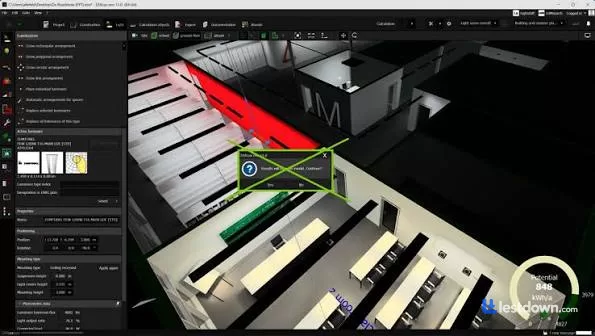
The latest major release, DIALux evo 14, dropped in April 2026, and the headline feature is the new "room-by-room" calculation method. Instead of calculating an entire project at once, rooms or spaces are calculated independently of each other, making large projects significantly faster and more scalable. You can calculate individual rooms, view partial results, add or subtract them, and even discard results from specific rooms without affecting the rest. This is a genuinely useful workflow improvement for anyone working on complex buildings with dozens of rooms.
The update also introduced scope boxes for clearer room views, making it easier to navigate large models and focus on specific areas. And the BIM workflow got some love too, with more precise IFC export that lets you adjust the insertion point and orientation so your lighting designs align exactly with building models.
The latest patch, version 5.14.0.5 (Patch 5), was released on August 7, 2026, and includes performance improvements and bug fixes for large projects.
The Core Features (What You Actually Get)
One of the standout features of DIALux evo is its focus on sustainability. The software includes energy-efficient tools that let you calculate exact lighting needs and make the most of natural daylight. This means you can design lighting plans that not only look great but also save energy and reduce costs, a win for both your clients and the environment. Plus, with built-in support for top luminaire brands, you have access to a wide range of fixtures and can see exactly how they'll perform in your design.
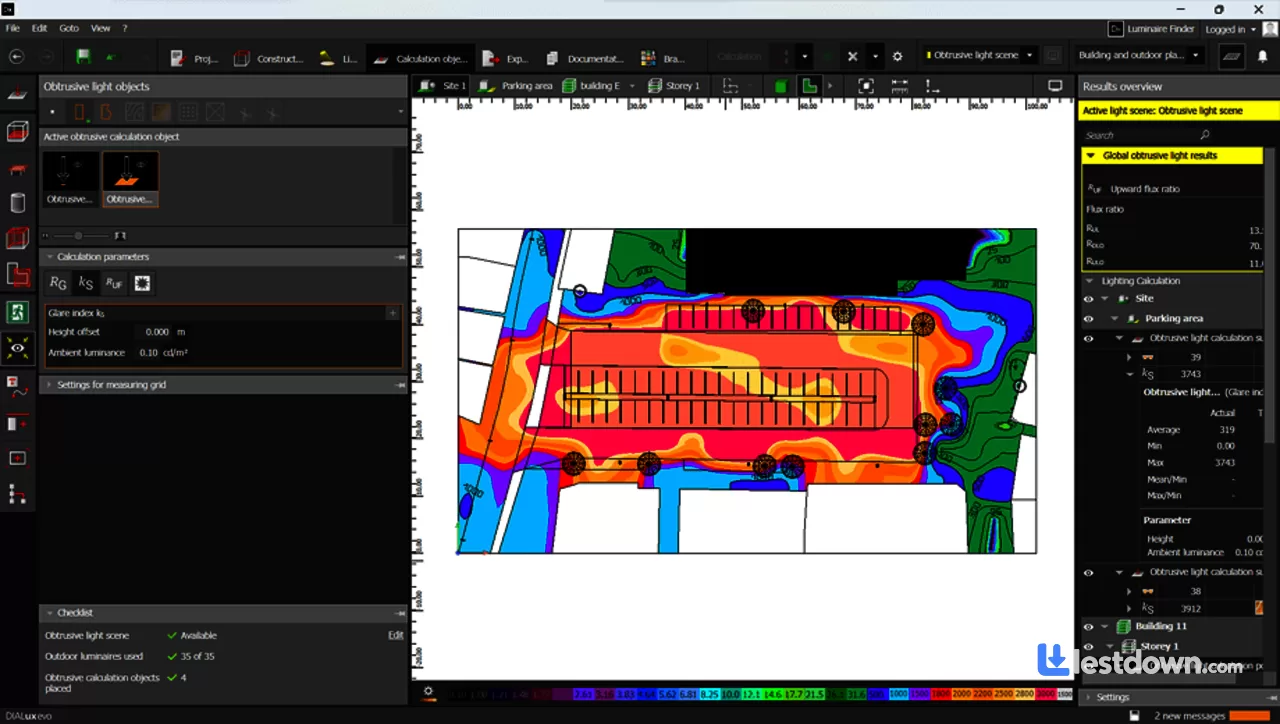
The software covers a lot of ground. You can plan indoor and outdoor areas within a single project, simulate the interaction between artificial and natural light, and even handle emergency and safety lighting according to EN 1838. For outdoor work, there are tools for light immission analysis, obtrusive light calculation, and street lighting with automatic optimization according to standards like EN 13201. The luminaire database is massive, over 2.5 million luminaires from more than 450 DIALux members are available, and the free version gives you access to all of them.
User-Friendliness: Actually Pretty Good
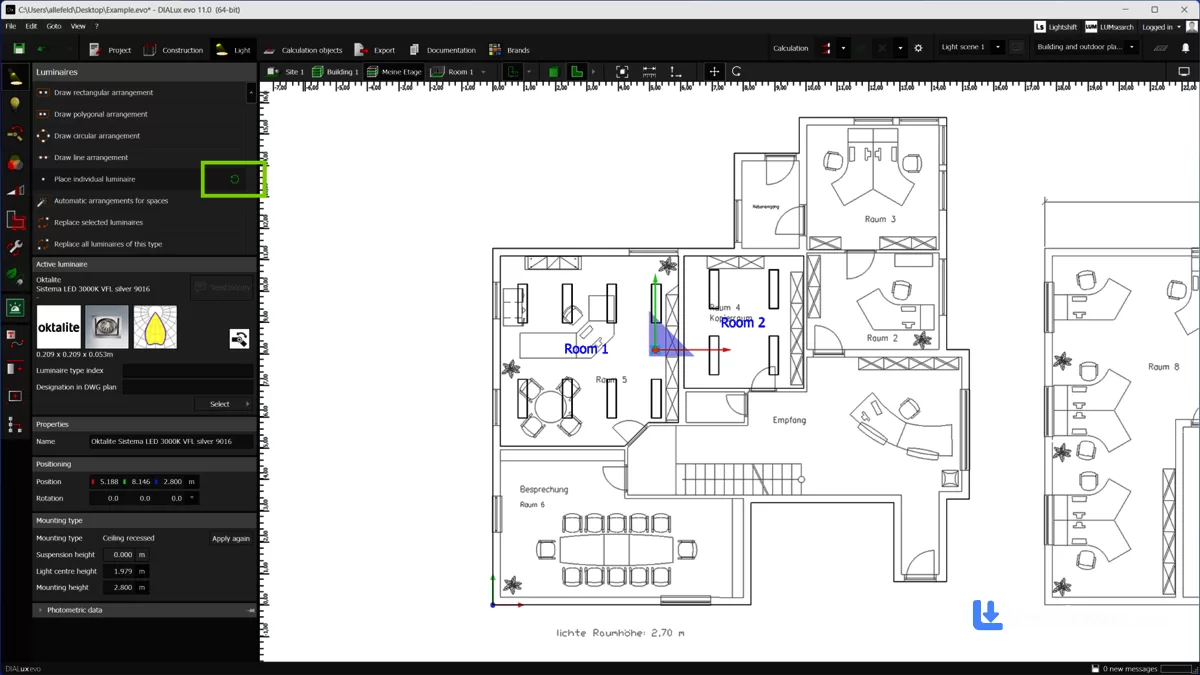
Another big plus is how user-friendly DIALux evo is. Even if you're new to lighting design, the intuitive interface guides you through the process, helping you create realistic 3D visualizations that make it easy to present and refine your ideas. While some users note that the interface could offer more customization, the software remains accessible to beginners and pros alike. There's a free basic course and a YouTube channel full of tutorials if you need help getting started.
Free vs. Paid: The Catch You Should Know About
Here's where I have to be straight with you. DIALux evo is free, genuinely free, for commercial use, with all the core planning and calculation features included. But since March 1, 2024, the free version only allows you to use luminaires from DIALux Members. If you want to work with photometric data from non-member manufacturers, you need either the "Unlock Non-Members" subscription or DIALux Pro.
The pricing (as of 2026) is
Free version: All core features, access to over 2.5 million luminaires from DIALux Members
Unlock Non-Members: €5.99–€9.99/month (varies by region), or €109.99/year
DIALux Pro: €19.99–€29.99/month, or €329.99/year, adds IFC import and export (BIM), documentation layout export, and unlimited luminaire selection
For most solo designers and small firms, the free version is honestly enough. But if you regularly work with specific non-member brands or need BIM integration, the Pro subscription is worth considering.
How It Compares to Alternatives
Relux Desktop: The other big free player, with about 20% market share to DIALux's 70%. Relux is available for macOS and Linux as well as Windows, and it has a good sports lighting module. If you're on a Mac, Relux is your best free option. But DIALux has a much larger community, a wider manufacturer database, and is more globally adopted.
AGi32: Premium-priced (around €2,000), Windows-only, and more common in the US market. It's known for precise footcandle targeting, but the interface is more complex and the learning curve is steeper. DIALux is generally faster for visual presentations and architectural integration.
Radiance: The academic gold standard for physically accurate simulation, but it's command-line based and not practical for everyday design work. DIALux evo is far more approachable for professional use.
System Requirements
DIALux evo runs on Windows 10 (version 1803 or later) and Windows 11, 64-bit only. ARM CPUs are not currently supported. You'll need at least 4 GB of RAM (8–16 GB recommended for professional use), a CPU with SSE2 support, and a graphics card with OpenGL 3.2 support and 1 GB of VRAM. A minimum resolution of 1920×1080 is required. An SSD is strongly recommended for smooth performance on larger projects.
All in all, DIALux evo remains the go-to choice for anyone serious about lighting design, and it's still free. The room-by-room calculation in version 14 is a genuine workflow improvement, the BIM integration is getting better with every release, and the luminaire database is unmatched. Is it perfect? No. The free version's manufacturer restriction is a bit annoying, and the interface could use a modern refresh. But for a free tool that delivers professional-grade results, it's hard to beat. Available for Windows, DIALux evo continues to be the standard for a reason.
Versions
| Version | Release date | Platform | File size | |
|---|---|---|---|---|
| DIALux evo 14.0 Latest version | Apr 23, 2026 | Windows | 430.0 MB | Download |